AddiWire

Additive manufacturing news and European prices, with independent expert commentary

Software

Thermo-Calc 2026b predicts alloy evaporation in AM builds and adds a guided model picker

Published 1 sourceSummary written with AIDeutsche Version
Thermo-Calc 2026b predicts alloy evaporation in AM builds and adds a guided model picker
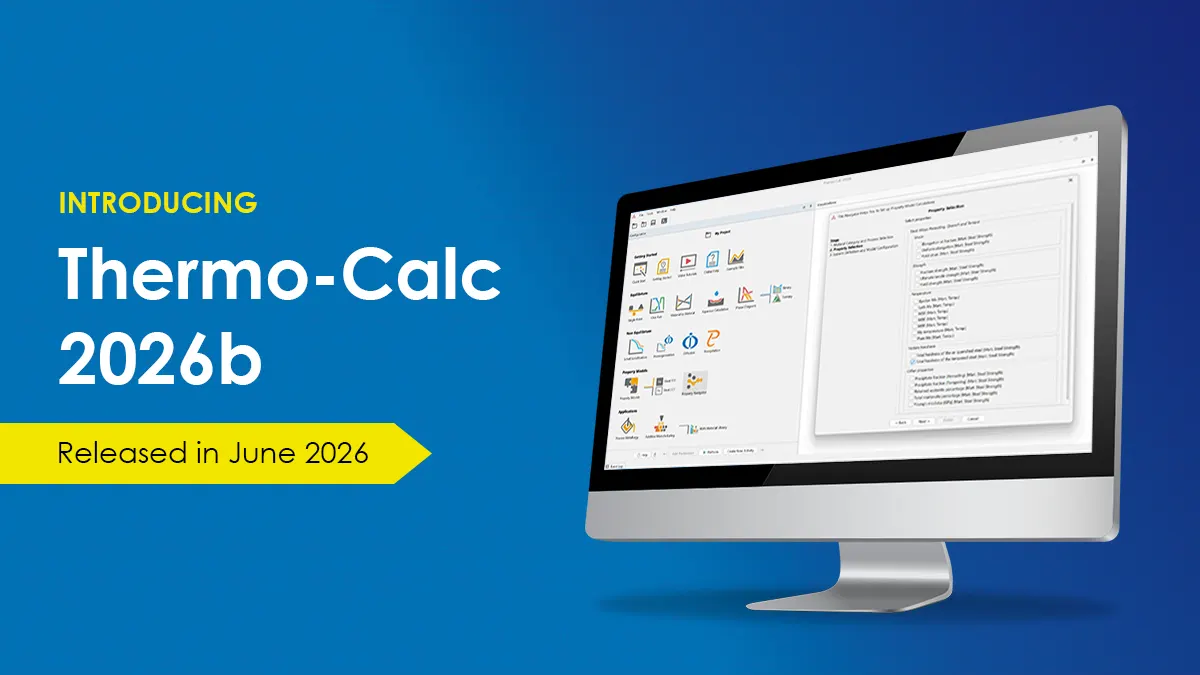
Image: Thermo-Calc Software

Thermo-Calc Software has released version 2026b of its materials modelling package. For additive manufacturing, the AM Module can now estimate how much the alloy composition shifts when volatile elements evaporate during laser or electron beam melting. The release also brings a guided Property Navigator, faster project loading and nine new databases.

Key facts
  • Release 2026b was published on 5 November 2026
  • AM Module now estimates composition change from evaporation in laser and electron beam builds
  • Projects load 2.2 times faster on average than in 2025b
  • Nine new and four updated databases are included

Context Evaporation in beam-based melting means light alloying elements leave the melt pool as vapour, so the printed alloy ends up with a different chemistry than the powder.

What does the AM Module now calculate?

When print parameters are poorly tuned, volatile alloying elements can boil off, so the printed material no longer matches the specified alloy. That drift can change microstructure and with it strength, hardness, ductility and corrosion behaviour. The AM Module in 2026b models this with a new steady-state evaporation mode, set up much like the existing transient mode but with defaults tuned for evaporation.

The mode covers builds with several tracks and layers. It reports the average composition of each track and of the final part, and adds three plot quantities for printed and evaporated gas composition, a Composition History tab, and table export. It is also available in TC-Python.

How well does it match experiments?

The vendor demonstrates the function on the nickel superalloy IN939, using a 270-track build at 200 W and a scan speed of 1.8 m/s. The calculated composition of the last track is compared with published experimental data by Mukherjee and colleagues from 2024. Two new examples, one for the graphical interface and one for TC-Python, show the workflow. The release notes do not give accuracy figures beyond that comparison.

What else changed in 2026b?

The new Property Navigator walks users through choosing a material category, a processing route (for example casting, welding and AM, or heat treatment) and the target properties. It then picks suitable Property Models and databases for the licence held and sets up the calculation and plots. Results can still be edited by hand.

Project loading is on average 2.2 times faster than in 2025b. The titanium Alloy Strength model now predicts full flow stress, including yield and tensile strength, and can account for martensite formation. TC-Python gains a PropertyModelSelection class and documented definitions of inputs and outputs to cut input errors. The precipitation module can switch the matrix phase during a run and model nucleation on another precipitate, and the TQ-Interface reaches all physical properties. Nine new and four updated databases are included.

What it means

For metal AM users, composition drift from evaporation is a real qualification topic, since a part that misses its alloy specification can fail acceptance regardless of density. A simulation that flags this risk before trials could cut the number of test builds, though the evidence shown is one superalloy case against one published dataset. Small and mid sized companies should treat results as guidance to be confirmed with chemical analysis of printed parts. The Property Navigator mainly lowers the skill barrier for materials modelling, which helps firms without a dedicated metallurgist.

Frequently asked questions

Why does evaporation matter in metal additive manufacturing?

Volatile alloying elements can leave the melt, shifting the printed alloy away from its specification. This can affect microstructure and properties such as strength and corrosion behaviour.

Is the evaporation feature available outside the graphical interface?

Yes. The new functionality is also available in TC-Python, with one example for the graphical mode and one for TC-Python.

What does the Property Navigator do?

It guides users through material category, processing route and target properties, then selects suitable Property Models and databases and configures the calculation. Users can still adjust the setup manually.

Read the original reports
  1. Thermo-Calc Software, 5 Nov 2026