AddiWire

Additive manufacturing news and European prices, with independent expert commentary

Software

What an SLS software stack contains and what to test before choosing a machine

Published 1 sourceSummary written with AIDeutsche Version
What an SLS software stack contains and what to test before choosing a machine
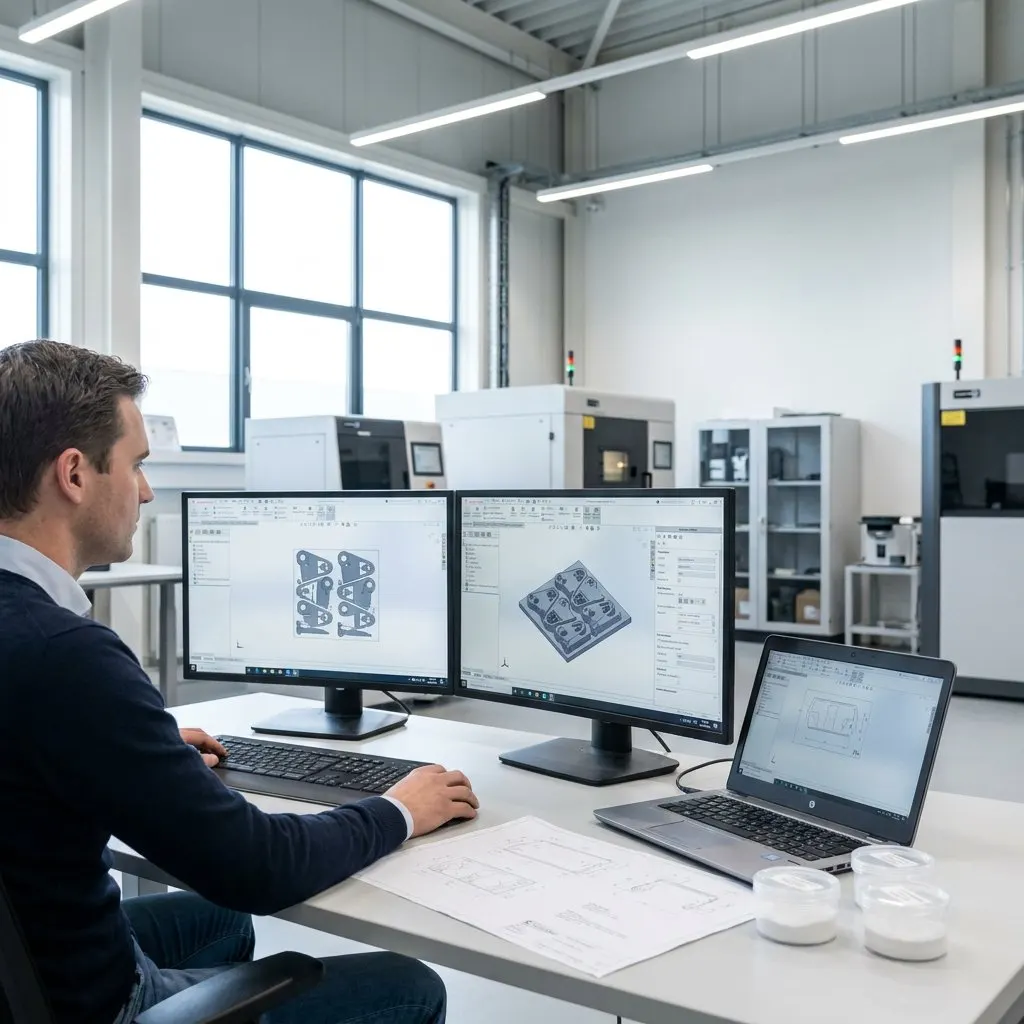
Image: Inframotion 3D

A guide from powder supplier Inframotion 3D explains that software for selective laser sintering is a chain of tools rather than one slicer. It covers file checks, orientation, nesting, profiles, machine control and job records, and recommends testing these functions as part of any machine comparison.

Key facts
  • SLS jobs typically pass through CAD, mesh repair, build preparation and machine control
  • Nesting and orientation decide chamber use and how many parts fit per build
  • Vendor software often suffices for finished files and validated profiles
  • Check OS support, licensing and material libraries before buying

Context Nesting means arranging many parts together inside the powder bed so the chamber is used efficiently; in SLS the surrounding powder supports the parts, so no support structures are needed.

Why is SLS software not just a slicer?

In a powder-bed process the planning task is to fill a three-dimensional build volume well, not to guide a nozzle. Packing density, part spacing and chamber use matter most. Orientation is chosen for thermal behaviour, surface priorities and efficiency rather than to limit supports. Typical filament settings have no direct counterpart, and many systems rely on material and machine parameters managed by the vendor. The output is a job file prepared for one specific machine, not a universal toolpath format.

Which layers make up the workflow?

A job usually starts with a CAD model or a customer file. It is checked and, if needed, repaired as a mesh, then oriented, nested, assigned a material profile and sent to the printer. Afterwards software supports monitoring, queue status and record keeping. Design, repair, preparation and machine operation can each sit in a different application, although some vendors combine several of these steps.

What should buyers validate?

The guide lists validated profiles for the exact machine, firmware and material, control over nesting and spacing, reliable geometry checks, supported file formats, monitoring, job history, update path and documentation, and platform fit such as operating system, licensing and network needs. It also advises confirming what is included in the machine price, since advanced modules, updates or support can depend on the licence level.

When are extra tools justified?

For finished files and validated profiles, the vendor package often covers the essentials. Additional tools make sense for advanced CAD edits, deeper mesh repair, topology optimisation, texture work, part splitting, design for SLS, quoting automation or integration with reporting and enterprise systems. The guide mentions Sinterit as an example of software tied to one machine ecosystem and warns against treating it as a general standard.

What it means

For smaller European manufacturers, software is a cost and risk item that often appears late in an SLS purchase. Chamber utilisation set by nesting directly affects cost per part, and traceable job records support the repeatability that qualification work later demands. Buyers should ask which modules, updates and support are covered by the machine price, and who in the company will own the workflow. The guide comes from a powder supplier, so its checklist is useful but not a neutral comparison of products.

Frequently asked questions

Do you need CAD software to print supplied SLS part files?

Not necessarily. Finished files still need inspection, repair where needed, nesting and job submission. CAD is required when parts must be redesigned, split or adjusted for tolerances.

Can one package cover the whole SLS workflow?

Sometimes, but teams often still use separate tools for design and file repair. The guide says the key question is whether handoffs between steps are reliable.

Is SLS software included with the machine?

Many systems include core software and standard profiles, but advanced modules, updates and support can vary by licence. Buyers should confirm the scope before purchase.

Read the original reports
  1. Inframotion 3D, 27 Oct 2026